2.6-service
2.6 Service
The service page is displayed when multiple services are enabled. The list can dynamically read deployed service info through the service info operation, enabling service creation, removal, and settings of basic service details, as well as managing administrators and authorized users.
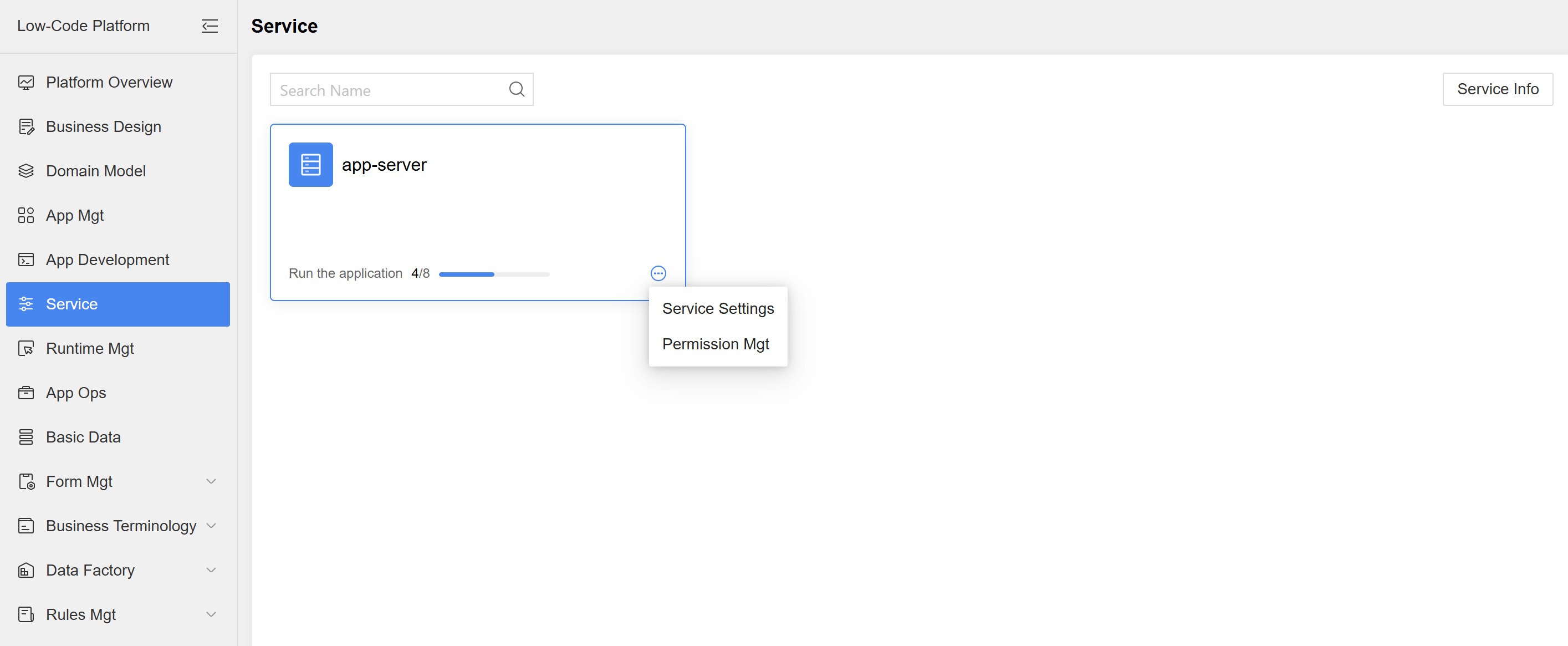
Figure: Service List Page
- Service Info: Click to dynamically read service deployment information. If there are any added or removed services, a notification pop-up will appear.
- Service Settings: Users can set the display name and description of the service.
- Permission Mgt: Users can configure service administrators and authorized users. Service administrators can manage services, create apps, and establish authorizations within the service. Authorized users can view available services when creating apps based on their access permissions.
- Service details: Administrators can click on a single service to view its details. Displays "App Mgt" and "Maintenance Log" for the service, and also allows creating new authorizations in the service details.
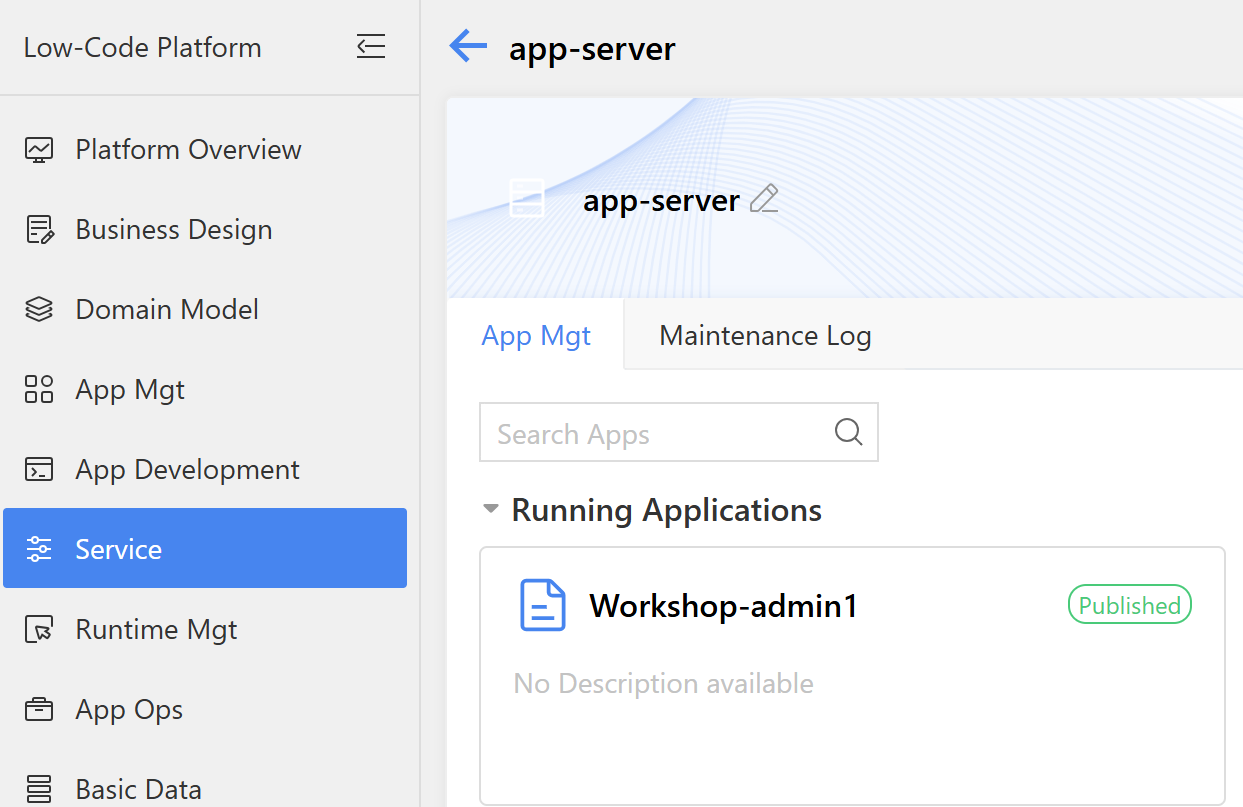
Figure: Service Details