2.1 Enter the Console
2.1 Enter the Console
The administrative organization management is a part of the MK-PaaS organization permission management console. Access to the organizational structure requires administrative organization management permissions.
How to configure console administration permissions?
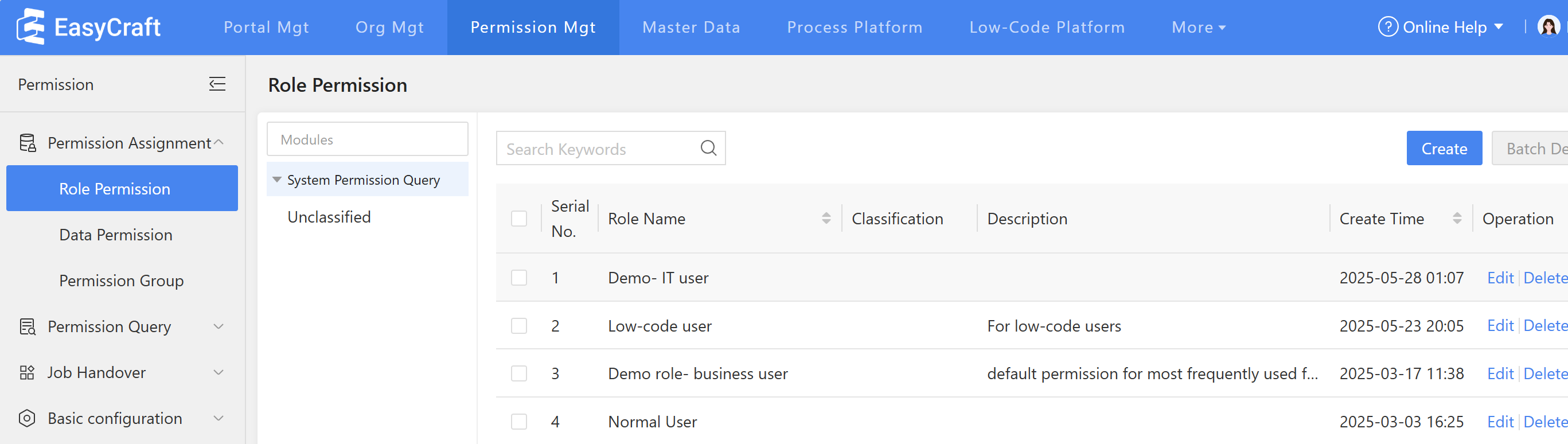
- Log in using the super administrator account, then go to Console > Permission Mgt > Role Permission > Create
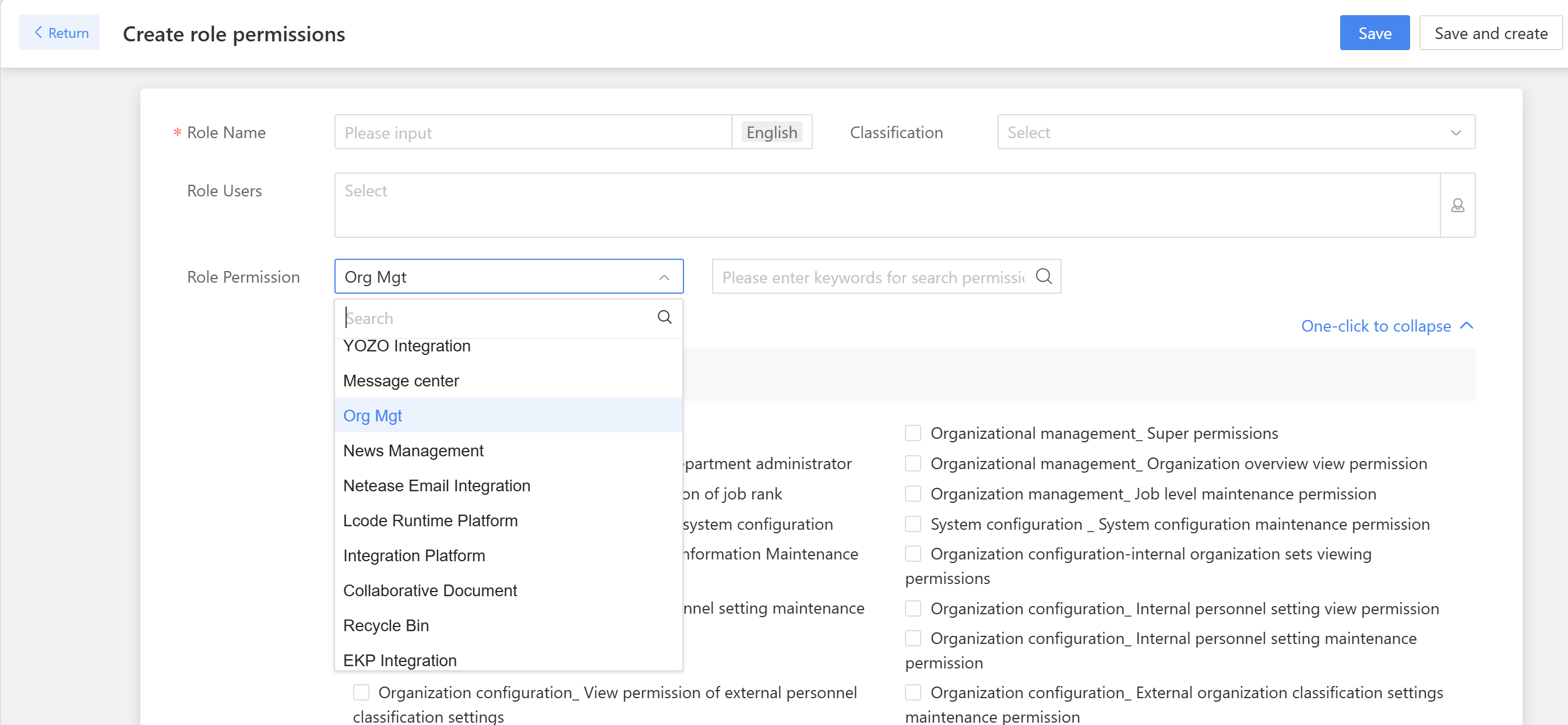
- Select the "Role User", click "Org Mgt", then save.