1.4.4 Attachment Version
Attachment Version
Supports saving previous version, restoring to a certain previous version, switching the current preview version and other operations during editing.
Console Configuration
Users can configure the quantity and retention duration of saved previous version in Attachment Version - Parameter Config (Expired versions will be deleted, leaving the original preview version unaffected). If the configuration left blank, the quantity and retention duration of saved previous version will not be limited.
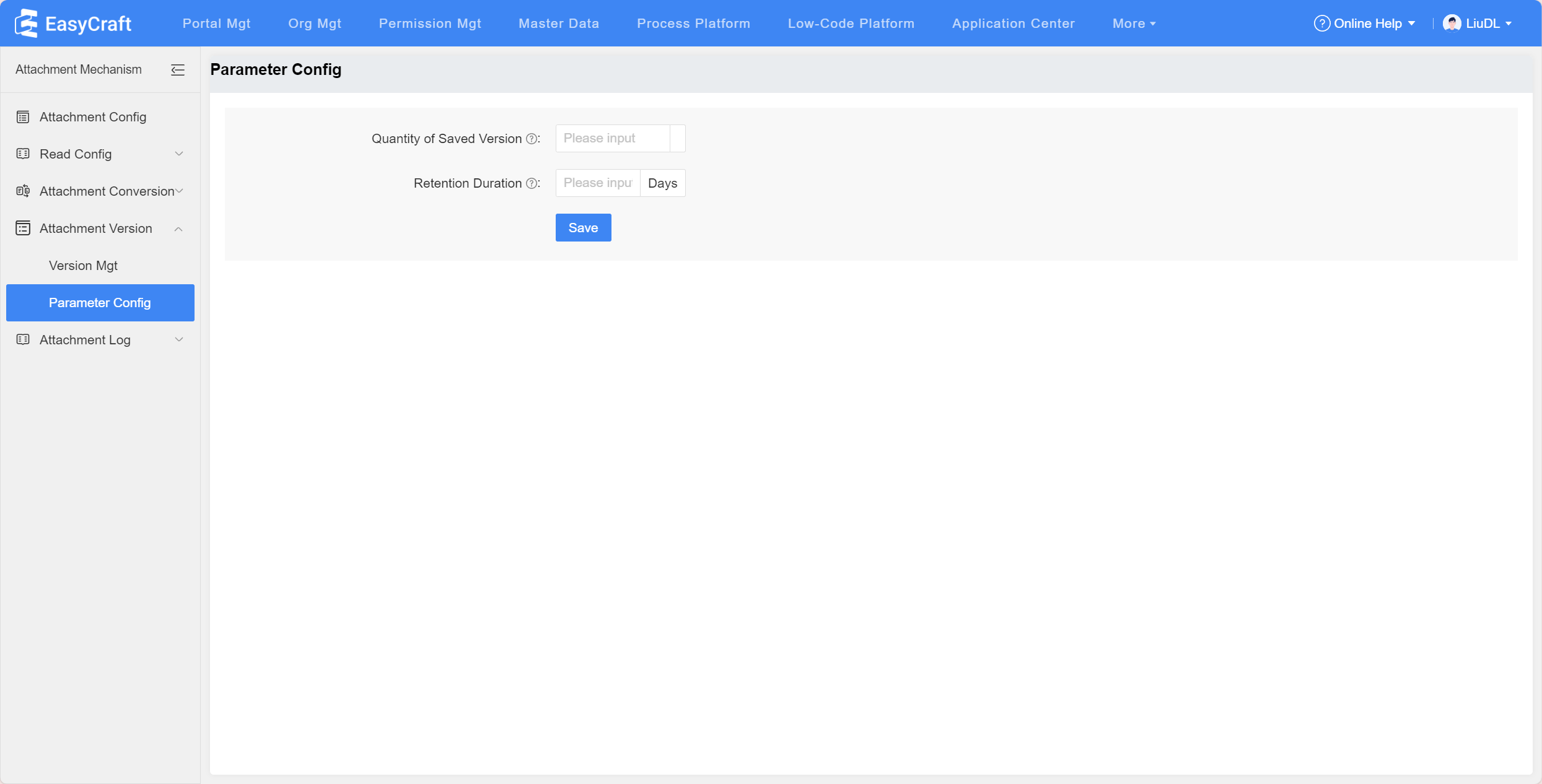
Figure 1.4-4 Parameter Configuration When the front-end application generates a previous version, a corresponding list will be created in the console to record it. Click the "View Previous Version" button to fetch the previous version of the current attachment. Previous version can be deleted by clicking "Delete" button. Current previewing version cannot be deleted.
Front-end Attachment Edit - Save Previous Version
Take news management as an example. First, enable the attachment editing in Attachment Mechanism - Attachment Config.
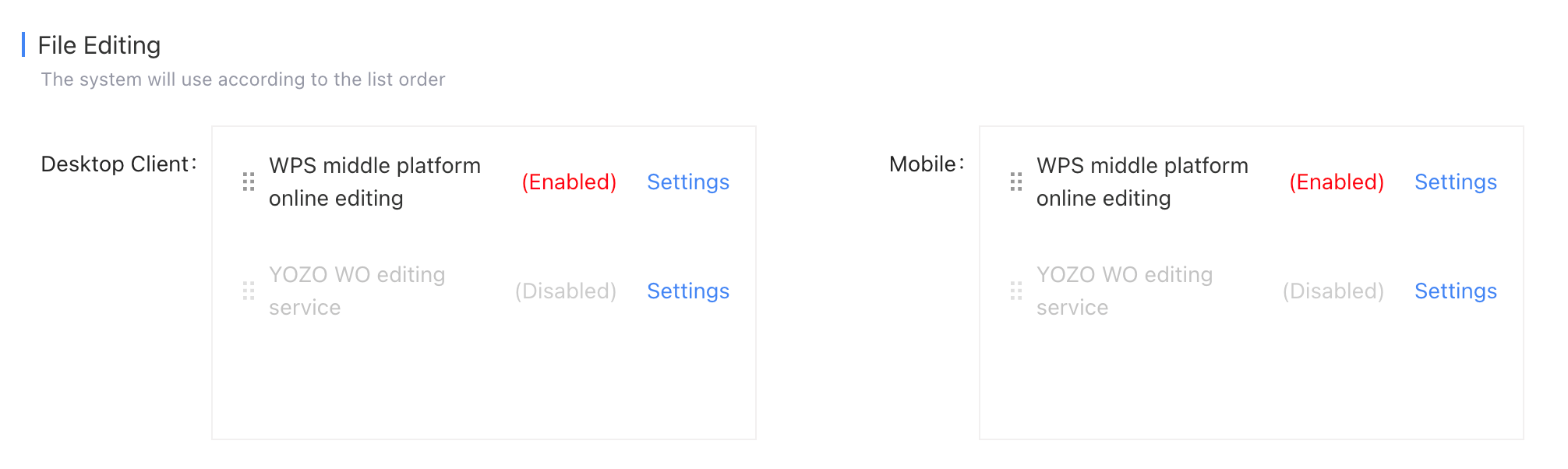
Figure 1.4-5 File Editing Then, click "Edit" in the created news attachment to access the edit page. After editing a new version, click "Save Previous Version" to generate a new previous version (Auto-save will not generate previous version).
Click "View Previous Version" to view the currently saved previous version. Select the corresponding version and click "Restore to This Version" to switch it to the default version (Preview version).