4.3.1-all-processes
The “All Processes” page allows front-end users to view all process instances for which they have read permissions. It is divided into "All," "Pending," "Rejected," "Completed," "Abandoned," and "Anomaly" tabs.
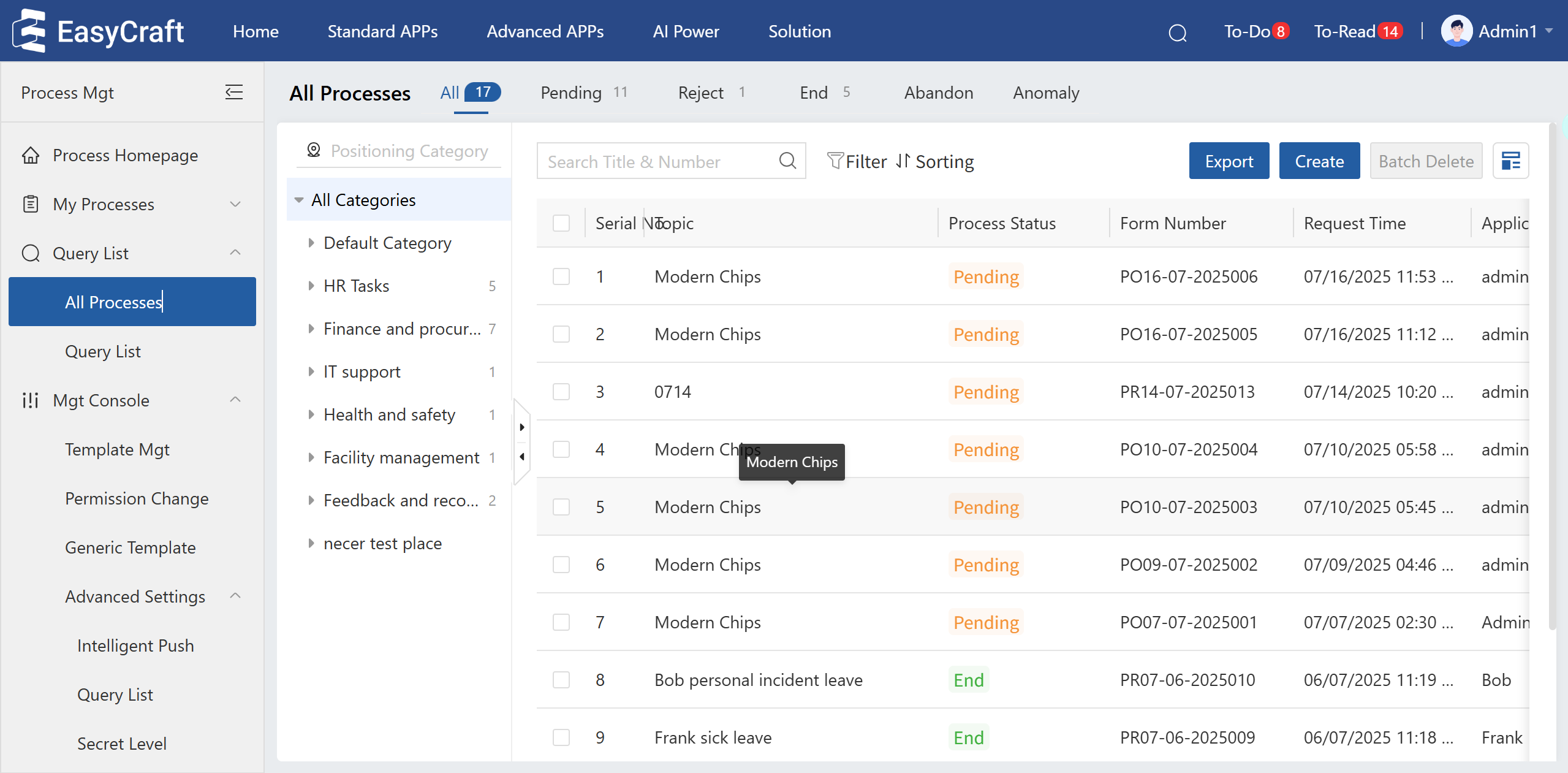
Figure 4.3–1 All Processes Page
- Pending: Shows accessible processes with a "Pending" status.
- Rejected: Shows accessible processes with a "Rejected" status.
- Completed: Shows accessible processes with a "Completed" status.
- Abandoned: Shows accessible processes with an "Abandoned" status.
- Anomaly: Shows accessible processes with an "Anomaly" status.
- The search box supports exact and fuzzy searches by process document title and application number.
- Supports creating new processes, batch deleting, and exporting process instance information.