3.8.1-generic-form-template
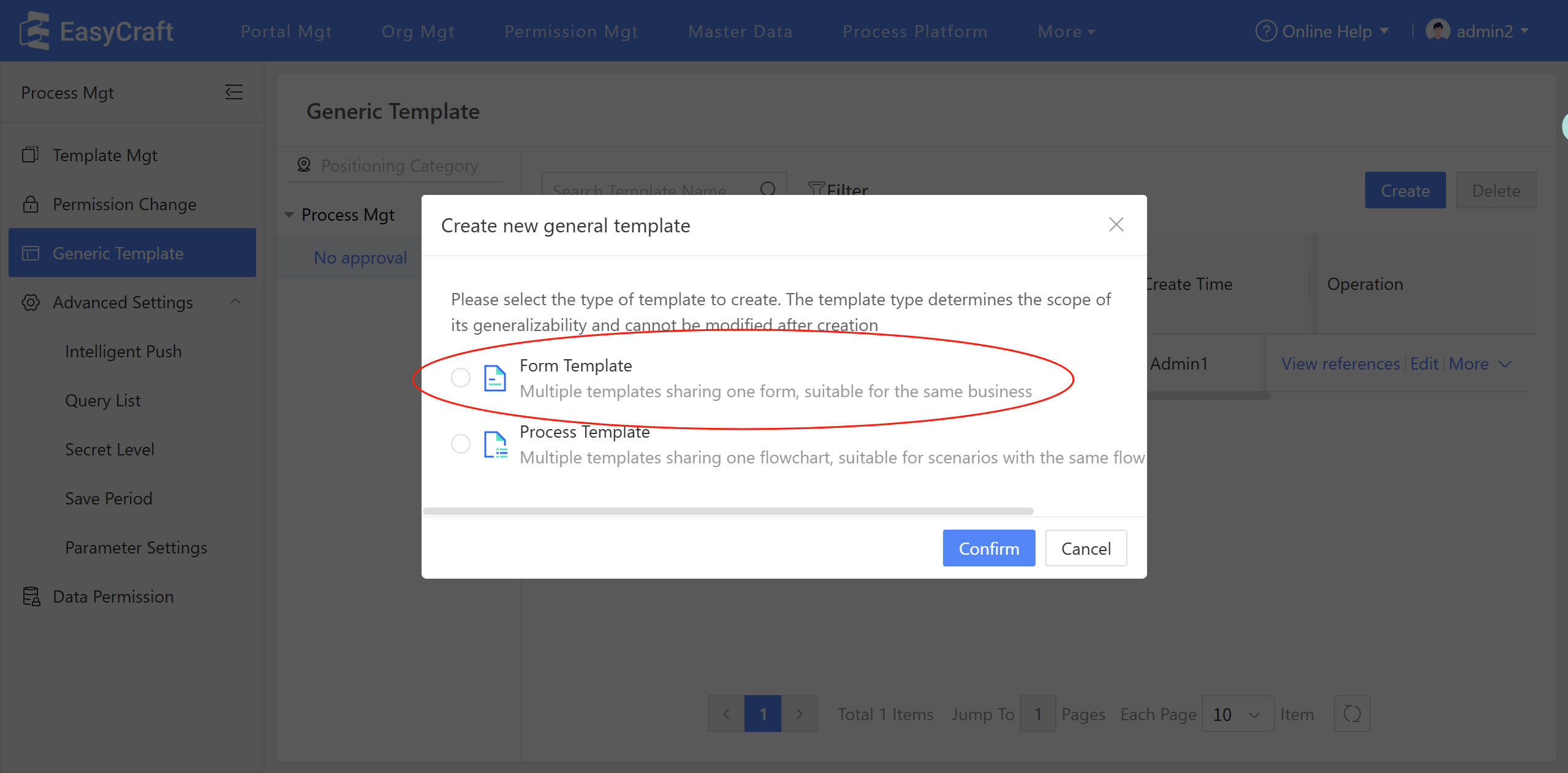
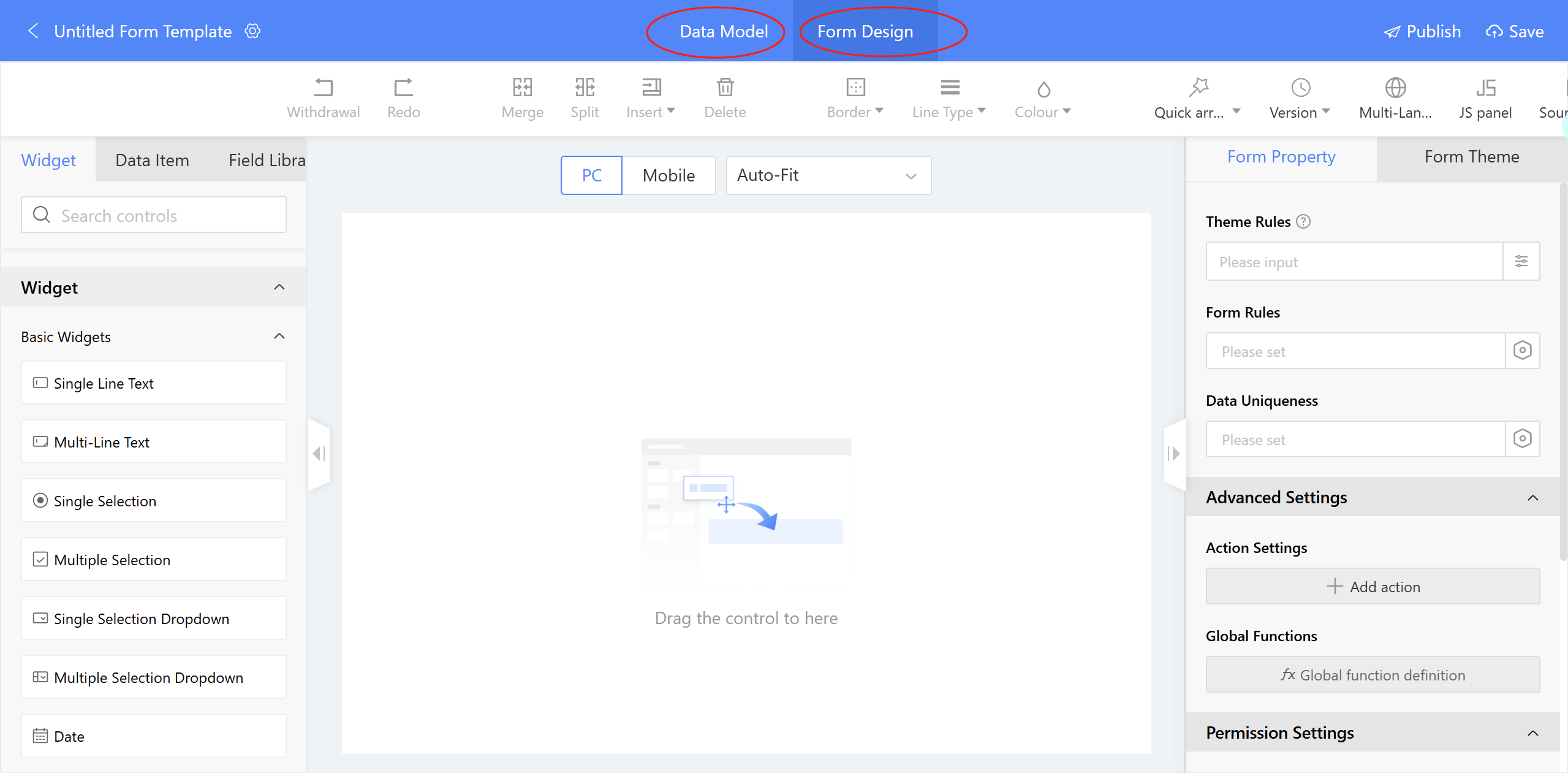
Create Generic Form Template: When creating a new Generic Form Template, only the Data Model and Form Design tabs are displayed for configuration.
Reference Generic Form Template: The Form Design initially defaults to a custom mode. However, you have the option to switch to "Template Utilization Mode." Please note that this switch is irreversible once the template has been published. Upon attempting to reference a template, a confirmation prompt will appear. If you confirm, any existing custom content within the form will be cleared and cannot be recovered.
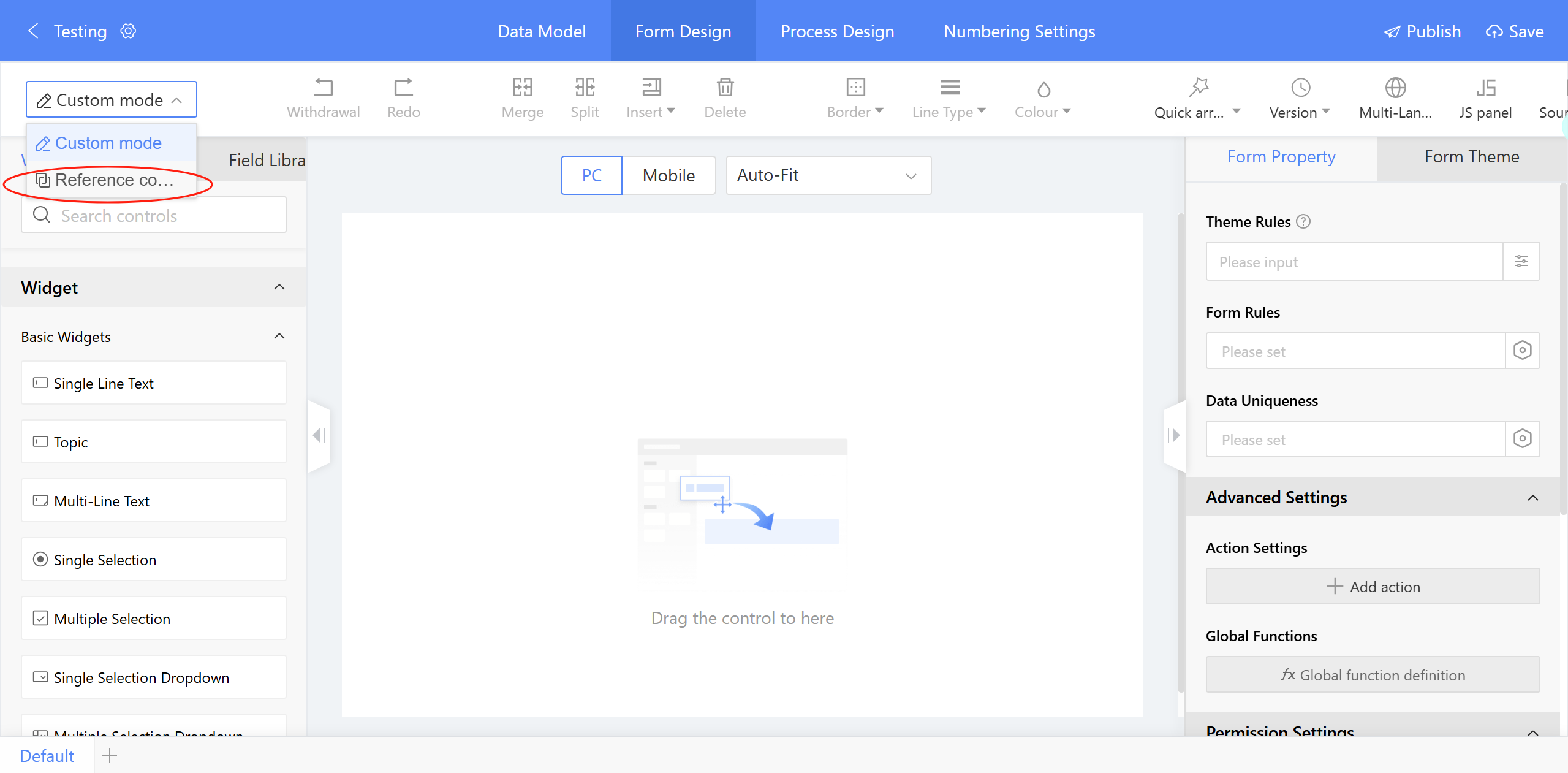
Figure 3.8–4 Reference Generic Form Template
After referencing a Generic Form, the form fields become view-only, meaning they cannot be edited or deleted. You can modify a Generic Form Template before it is saved as a draft or published. However, once it is saved as a draft or published, further modifications are not permitted.