Data Navigation Settings: Data Navigation Settings primarily govern whether process count statistics are displayed for modules within Process Management that feature categorized lists.
Process Immediate Publish: By default, process design permits immediate publishing (set to "Yes"). If this setting is changed to "No," the ability to publish will be governed by role permissions (configurable via: Permission > Role Permission > Role Permission Assignment).
When the switch is enabled, or if a user possesses the "Process Management_Template Release Permissions," the "Publish" button will be visible on the process template page.
When the switch is disabled and the user does not have the "Process Management_Template Release Permissions," the "Publish" button will not be displayed on the process template page.
Process Pre-publish Toggle: Enabling this toggle makes the "Pre-publish" button visible during the process design phase.
For "Yes": It allows for a rapid development and deployment cycle, where designers have the autonomy to publish their work directly.
For "No": It enforces a more controlled and potentially more robust publishing process.
Process Comment: Activating this toggle enables special commenting functionality for forms.
Permission Tab/Access Statistics Tab Display: Enabling this toggle ensures that the corresponding "Permission" and "Access Statistics" tabs are displayed during process runtime.
Form Change Record: When enabled, the Change Record Tab will be displayed on the runtime process detail page.
Process Runtime - Associated Documents: When enabled, initiators can link historical processes and files as supplementary material for approval.
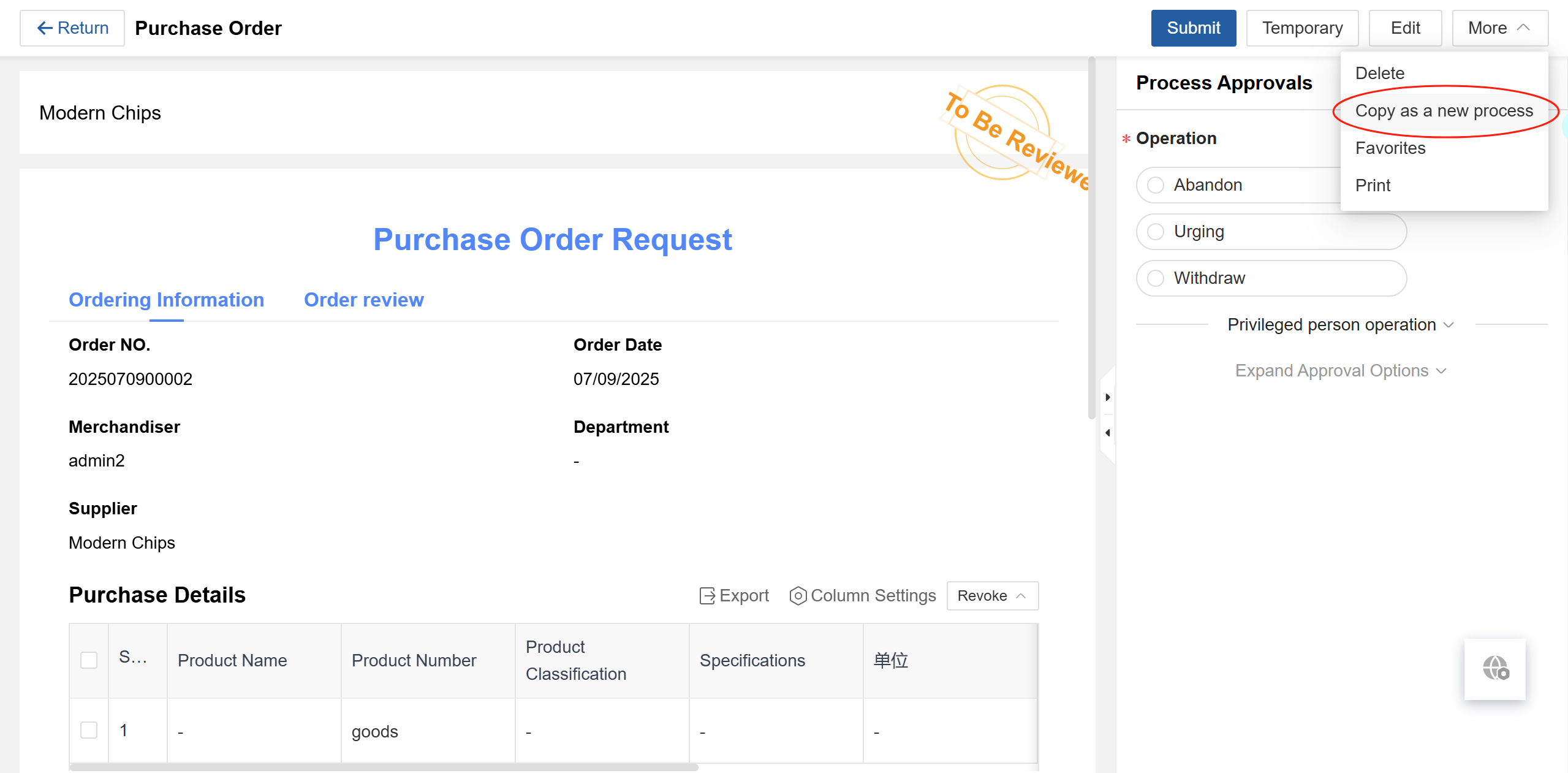
Allow Copy Process Instance: When enabled, users can quickly initiate a process by copying from their previously initiated processes.
Batch Download Attachments: When enabled, users can download all authorized attachments with a single click.