Process Simulation
Process Simulation allows you to simulate the execution of a process template before it is officially launched. This helps ensure the process runs smoothly and avoids errors in actual operation. After configuring the process diagram, you can execute configured use cases without needing to save or publish the template.
3.7.6.1 Configuration Entry
To access Process Simulation, navigate to the process validation section and select "Process Simulation."
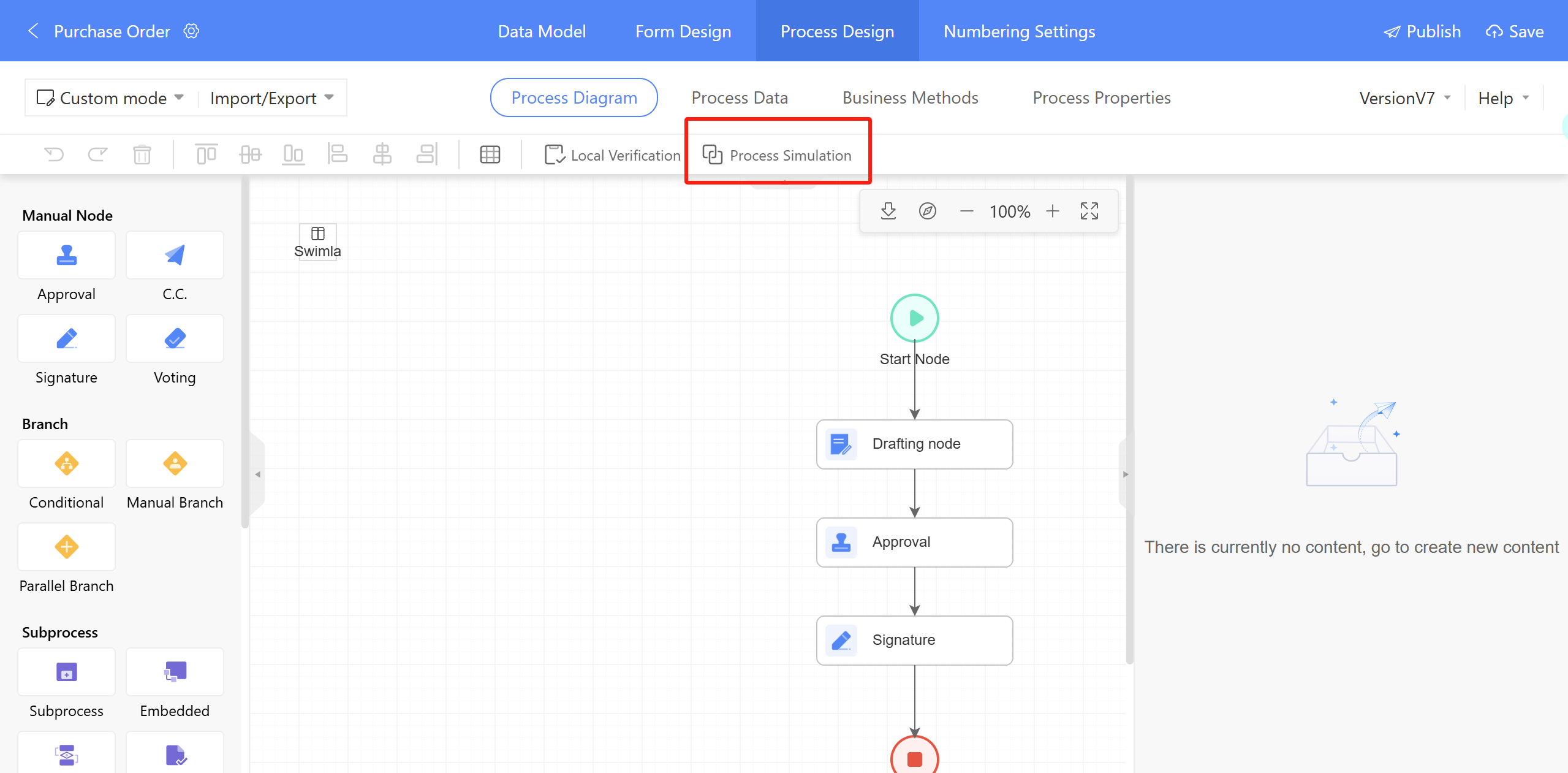
Figure 3.7–24 Configuration Entry for Process Simulation
3.7.6.2 Scenario Description
- Example scenario: For example, to test an employee leave application process through simulation:
- Name the Use Case and Set the Initiator: Assign a name to your simulation use case and specify the process initiator.
- Configure Parameter Presets and Node Handlers: Define preset parameters for the use case and configure the handlers for each process node according to your requirements.
- Execute and View Results: After completing the setup, click "Save and Execute" to run the simulation and view the results of the use case execution.